Can You Design Wanted Posters on Mobile? Best Apps Reviewed
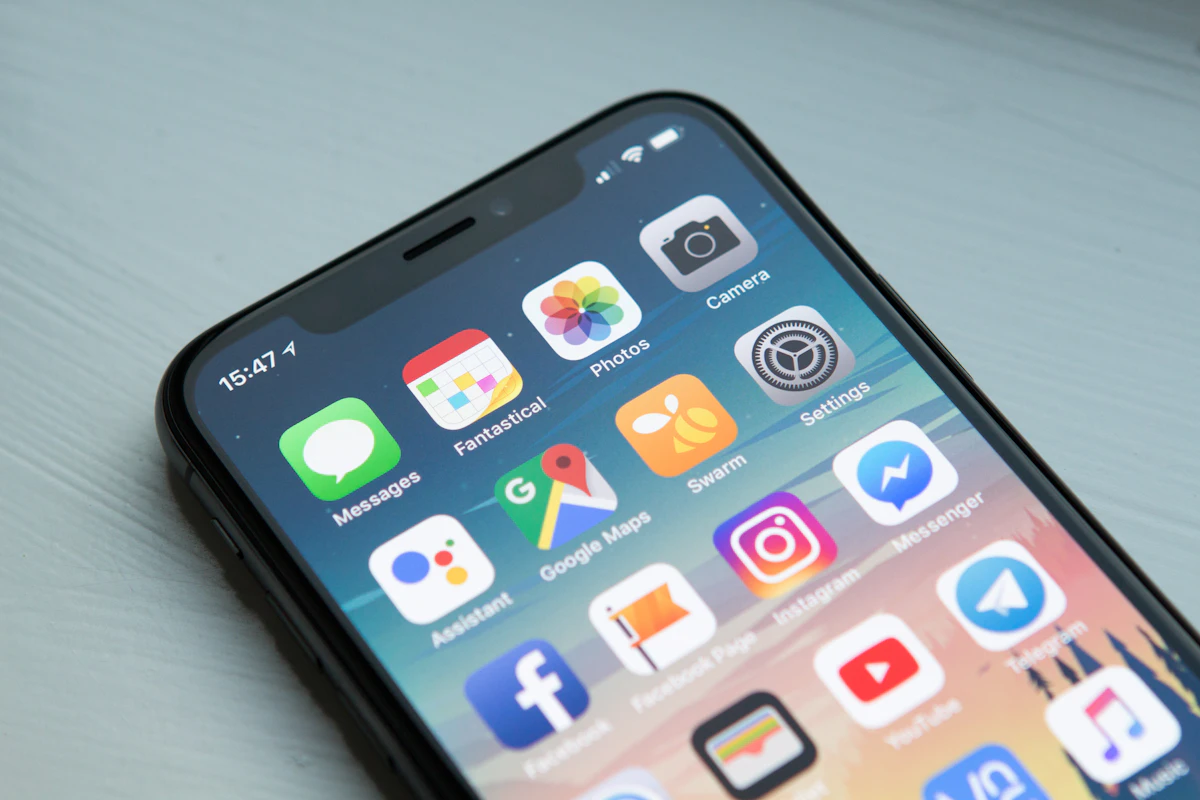
In our mobile-first world, you don't need a computer to create stunning wanted posters. Whether you're at a party and want to create one on the spot, or simply prefer designing on your phone, there are excellent options available. Let's explore the best mobile solutions for wanted poster creation.
The Rise of Mobile Design
Mobile devices have become powerful design tools. Modern smartphones offer:
- High-resolution cameras - Capture photos directly into the app
- Processing power - Handle complex effects smoothly
- Instant sharing - Send directly to social media or messaging
- Convenience - Create anywhere, anytime
Best Mobile Options for Wanted Posters
1. Web-Based Mobile Apps (Best Choice)
The most effective mobile solution often isn't a native app at all - it's a well-optimized mobile website. Happy Ages, for example, works beautifully on mobile browsers with no app download required.
Advantages:
- No app store, no downloads
- Always the latest version
- Works on any device
- Full feature access
- Easy photo upload from gallery
Happy Ages' mobile experience is particularly impressive, offering full AI-powered poster generation and even the unique 3D Reveal feature right from your phone's browser.
2. Photo Editing Apps with Templates
Apps like Canva, PicsArt, and Adobe Express offer mobile versions with wanted poster templates.
Pros:
- Extensive template libraries
- Full editing capabilities
- Additional design features
Cons:
- Large app downloads
- Can be overwhelming for simple tasks
- Best features often premium-locked
3. Dedicated Wanted Poster Apps
Some apps focus specifically on wanted poster creation. While convenient, they vary widely in quality.
Things to Check:
- Recent update dates (avoid abandoned apps)
- User reviews and ratings
- Output resolution
- Watermark policies
- In-app purchase requirements
Mobile Design Tips
Getting the Best Photos
Mobile cameras are capable of excellent results when used correctly:
- Use natural lighting - Face a window for soft, even light
- Clean your lens - Smudges cause soft images
- Tap to focus - Ensure face is sharp
- Hold steady - Brace arms against body
- Use portrait mode - Creates nice background blur
Editing on Small Screens
Working on a phone screen requires some adjustments:
- Use two fingers to zoom into details
- Rotate to landscape for wider views
- Take breaks to rest your eyes
- Preview at full size before finalizing
Sharing From Mobile
One major advantage of mobile creation is instant sharing:
Direct Sharing Options
- Instagram Stories - Add to your story with additional stickers
- Facebook - Share to timeline or groups
- WhatsApp/Messenger - Send directly to friends
- Email - Attach to messages
- AirDrop/Nearby Share - Quick transfer to nearby devices
The 3D Reveal Advantage
While most apps produce static images, Happy Ages' 3D Reveal creates shareable links that work perfectly on mobile. Recipients tap a link and watch as the wanted poster dramatically unveils with animations - all without downloading anything.
Mobile vs. Desktop: Which is Better?
| Factor | Mobile | Desktop |
|---|---|---|
| Convenience | Winner | - |
| Screen real estate | - | Winner |
| Photo capture | Winner | - |
| Precise editing | - | Winner |
| Instant sharing | Winner | - |
| Professional printing | Tie | Tie |
Our Mobile Recommendation
Skip the app store downloads and use a web-based solution like Happy Ages. You get full functionality without storage overhead, automatic updates, and seamless cross-device compatibility. Plus, the 3D Reveal feature works beautifully on mobile, creating shareable moments that impress recipients on any device.
Create your wanted poster right now - just open Happy Ages in your mobile browser and start designing!