Best Software for Designing Wanted Posters: Expert Comparison
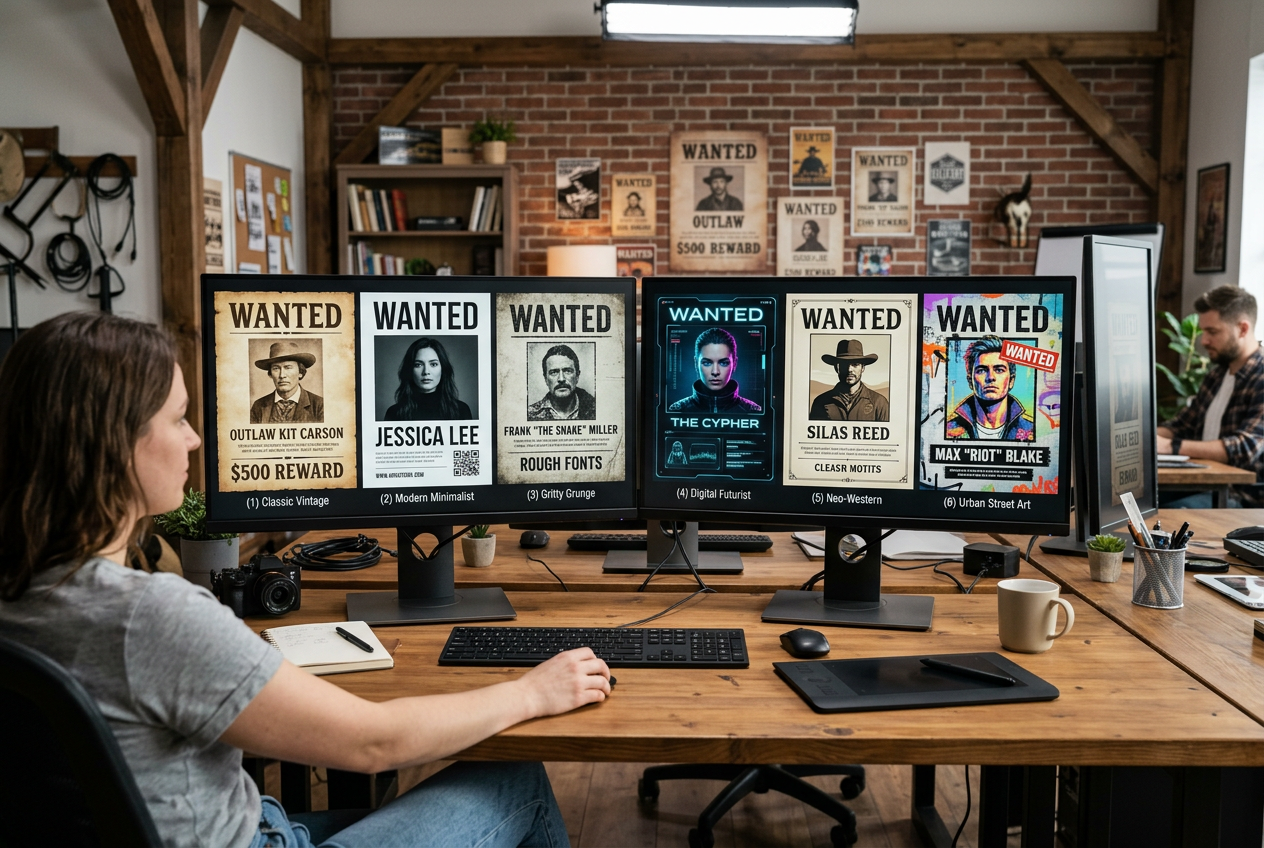
Finding the Right Tool for Your Wanted Poster
The software you choose for creating wanted posters depends on your skill level, budget, and how authentic you want the final result to look. Let's break down your options from beginner-friendly to professional-grade.
Beginner-Friendly Options
1. Happy Ages 3D Reveal (Best for Non-Designers)
Skill Level: None required
Our platform handles all the design work automatically. Simply upload a photo, customize your text, and the AI creates an authentic vintage wanted poster with a dramatic reveal experience.
Pros:
- No design skills needed
- AI-powered photo aging
- Instant results
- Built-in sharing features
2. Canva
Skill Level: Beginner
Drag-and-drop interface with pre-made templates. Good for basic customization.
Pros: Easy to use, free tier available
Cons: Limited authentic vintage effects, generic templates
Intermediate Options
3. Adobe Express
Skill Level: Beginner to Intermediate
More design flexibility than Canva, with better typography options.
4. PicMonkey
Skill Level: Intermediate
Good photo editing capabilities for aging effects, but requires manual work.
Professional Software
5. Adobe Photoshop
Skill Level: Advanced
The gold standard for professional designers. Can create incredibly authentic wanted posters but requires significant skill and time investment.
Pros: Unlimited creative control
Cons: Expensive ($20.99/month), steep learning curve, time-intensive
6. Affinity Photo
Skill Level: Advanced
One-time purchase alternative to Photoshop with similar capabilities.
Feature Comparison Matrix
| Software | Ease of Use | Authentic Results | Price | Time to Create |
|---|---|---|---|---|
| Happy Ages | Easiest | Excellent (AI) | $9.99-24.99 | 5 mins |
| Canva | Easy | Basic | Free/$12.99/mo | 30 mins |
| Adobe Express | Easy | Good | Free/$9.99/mo | 45 mins |
| Photoshop | Hard | Excellent | $20.99/mo | 2-4 hours |
What Makes a Wanted Poster Look Authentic?
Regardless of which software you choose, authentic wanted posters need:
- Aged Paper Texture: Yellowed, worn edges, coffee stains
- Period-Appropriate Typography: Wood block fonts, hand-lettered style
- Vintage Photo Treatment: Sepia tones, vignetting, grain
- Authentic Details: Correct formatting, period-accurate language
- Wear and Damage: Creases, tears, bullet holes (optional)
Our Verdict: Best Software by Use Case
- For gifts and parties: Happy Ages 3D Reveal (instant, shareable, impressive)
- For simple social media posts: Canva Free
- For professional print projects: Adobe Photoshop
- For one-time projects with budget: Affinity Photo